Inside the Mandatory Screen: Proof of Walmart's Account Takeover on Vizio Tvs
 By Chloe Bennett
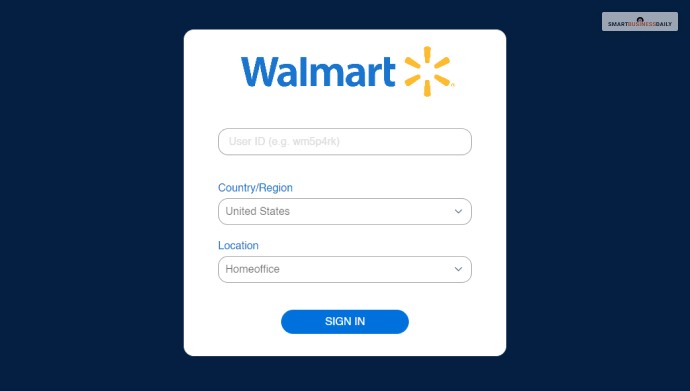
For buyers unwilling to tie their personal shopping history to an entertainment screen, options exist, but they demand functional compromise. Technical communities have mapped out methods to bypass Walmart TV login prompts, though none preserve the native smart TV experience.
The most effective method involves cutting network access entirely during the initial out-of-box setup. By leaving the Wi-Fi disconnected or declining network configuration during the first boot sequence, the television defaults to an unprovisioned monitor mode. This bypasses the activation gate and permits manual switching between physical input ports.
[Unbox Device]
│
▼
[Skip Wi-Fi Configuration Screen] ──(Network Connected)──► [Mandatory Account Lockout]
│
▼ (No Internet Connection)
[Force "Dummy Display" Mode]
│
▼
[Attach Third-Party Streaming Stick via HDMI]
Operating a screen in this fashion requires external streaming hardware such as an Apple TV, a Roku streaming stick, or a dedicated gaming console. Once connected via HDMI, the owner can bypass the manufacturer's home screen completely.
For users who already registered, tightening customer privacy settings offers a partial defense. Navigating into the system menus allows owners to toggle off "Viewing Data" collection and reset advertising identifiers. However, doing so does not disconnect the hardware identifier from the underlying customer profile established during the initial activation.
Chloe Bennett explores the intersection of pop culture, streaming entertainment, digital trends, and contemporary lifestyle. Her weekly commentary reaches thousands of culture enthusiasts.
