The Complete Formatting Blueprint: Double Spacing in Word for Apa 7, Mla 9, and Chicago Style
 By Sophia Al-Mansoor
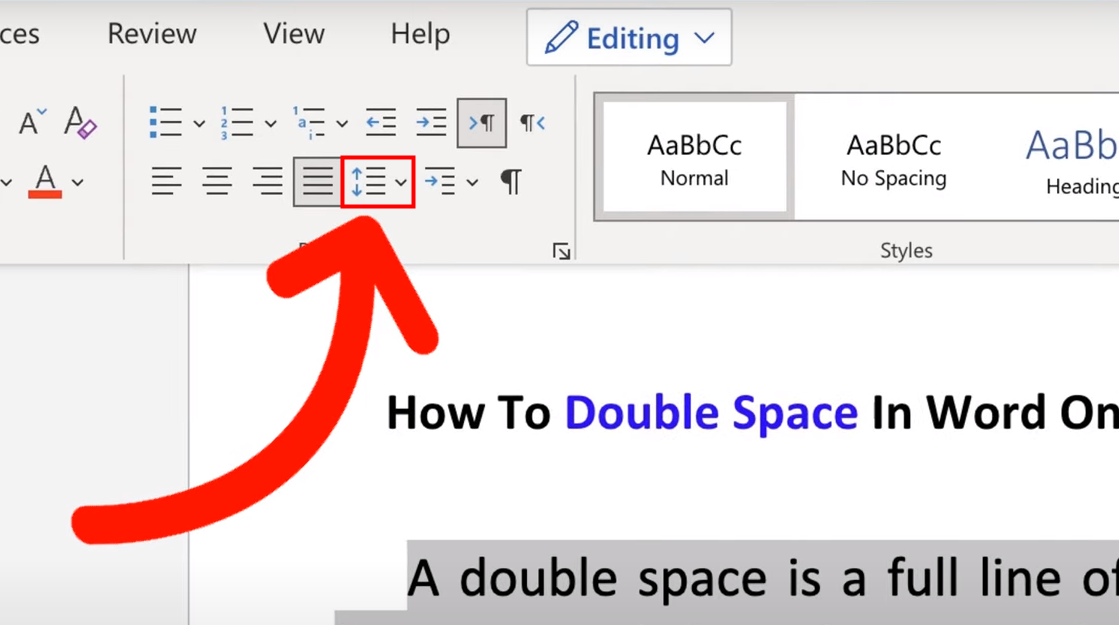
Applying double spacing across an entire manuscript without looking at special sections creates formatting violations. Major style guides diverge noticeably when handling long quotations, footnotes, and bibliographic citations.
In APA 7, block quotations (quotes containing 40 words or more) remain double-spaced throughout. You indent the entire block 0.5 inches from the left margin, preserving the 2.0 line ratio without adding blank lines before or after the excerpt. MLA 9 follows an identical philosophy for prose extracts exceeding four typed lines: maintain double spacing and indent the block a half-inch from the left margin.
Chicago style line spacing takes a different approach. Chicago requires block quotations of 100 or more words to be single-spaced (1.0). Writers must leave a single blank line above and below the excerpt to separate it visually from the surrounding body copy. Similarly, Chicago footnotes require single spacing within each individual note, separated by a standard double space between entries.
Reference sections introduce their own subtle challenges. In APA 7 (References) and MLA 9 (Works Cited), the entire list must run at 2.0 line spacing with a 0.5-inch hanging indent. Writers often mistakenly add a blank line between entries. Instead, let the natural 2.0 spacing and hanging indent do the work, adding an extra line break violates the official style manual.
Sophia analyzes international trade, startup ecosystems, retail transformation, and supply chain logistics for modern digital publications.
