Playstation Connection Failed: Is It Sony's Servers or Your Home Internet?
 By Maya Lin-Takahashi
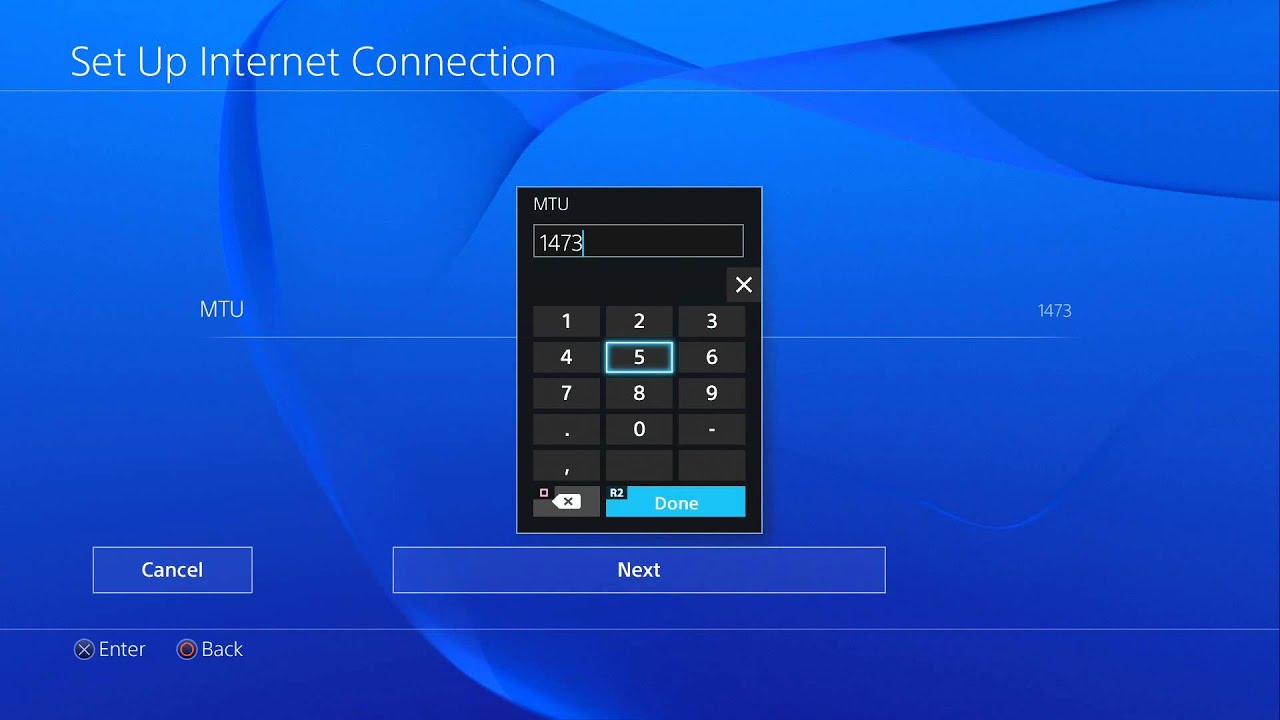
The fastest way to isolate the breakdown runs directly through the PlayStation software interface. Navigating to Settings > Network > Test Internet Connection executes a sequential, five-tier handshake check. The console queries your local gateway, asks for an IP address, pings external servers, authenticates your account credentials, and measures raw packet bandwidth.
Watch where the test stops. If the system succeeds at obtaining an IP address and clears the generic internet connection line but fails at "PlayStation Network Sign-In," your household hardware is almost certainly functioning properly. That specific breakdown indicates that outbound packets reach the wider web, but Sony's edge servers are either throttling requests or rejecting session handshakes. Conversely, an immediate failure at the IP acquisition stage means your local DHCP lease expired, or your router failed to assign an internal address entirely.
Maya is a hardware enthusiast who tests and reviews smart home devices, smartphones, wearables, and audio gear. She focuses on practical consumer value and build quality.
