Is Illuminate Lockdown Browser Invading Student Privacy? What Really Happens During Testing
 By Sophia Al-Mansoor
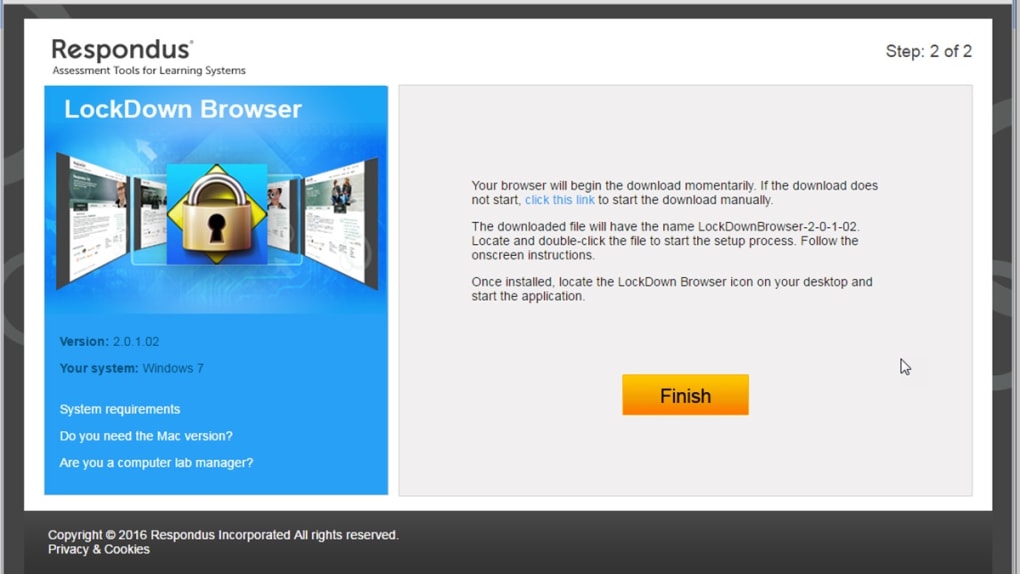
Illuminate Education does not build a standalone proprietary operating system. When a teacher schedules an assessment within Illuminate (now operating under Renaissance Learning), the test security protocol functions through external system APIs. On personal Windows and macOS hardware, districts typically deploy a custom OEM build of Respondus LockDown Browser configured for Illuminate's servers. On district-issued hardware, administrators trigger Chrome OS Kiosk Mode via the Google Admin Console.
Once launched, the software seizes control of the local graphical interface. It shuts down messaging apps, disables virtual machines, terminates screen-recording utilities like OBS, and blocks dual-monitor mirroring. It replaces the window manager's standard commands. Pressing Alt-Tab, Command-Tab, Print Screen, or Control-C produces no result. The browser disables right-click context menus to prevent students from viewing the source code of test questions.
This architecture creates an artificial sandbox. The software does not hack into the computer; the user or network administrator gives it elevated permission to override standard operating system conveniences. Its explicit design brief is process suppression rather than forensic data harvesting.
Sophia analyzes international trade, startup ecosystems, retail transformation, and supply chain logistics for modern digital publications.
