Investigating Usps Quishing Scams: How Cybercriminals Exploit Everyday Shipping Habits
 By Marcus Vance
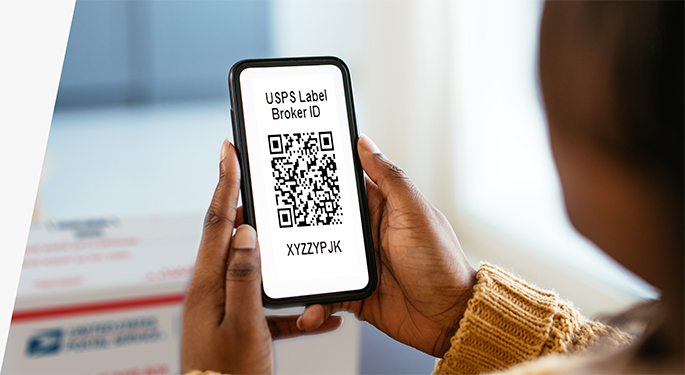
Defeating quishing attacks requires shifting focus away from visual branding toward technical verification. Cybercriminals easily replicate fonts, color schemes, and official agency emblems. They cannot, however, fake high-level internet architecture.
When pointing a smartphone camera at any barcode, iOS and Android operating systems display a small yellow or grey preview box revealing the exact web address. Inspect that domain carefully:
- Verify the Domain Root: The authentic website is `usps.com`. Any URL that places "usps" alongside hyphens or words before the dot, such as `usps-tracking-portal.com`, is fraudulent.
- Beware of Obfuscated Shortlinks: Legitimate public agencies do not process sensitive delivery updates through bit.ly, tinyurl, or anonymous link wrappers.
- Check for Security Flags: Modern mobile browsers often flag recently registered domain names. If your browser warns that a site was registered only days ago or lacks an established certificate, exit immediately.
Most importantly, keep shipping workflows separated from unexpected physical or digital prompts. If you receive an alert stating a parcel has stalled, disregard the embedded button or QR code entirely. Open a separate browser tab, navigate directly to `tools.usps.com`, and paste the tracking number by hand. If the tracking number returns an invalid result, the initial notice was a scam.
Marcus Vance is a cybersecurity auditor and technology writer dedicated to educating the public about online safety, data privacy regulations, enterprise security, and emerging cyber threats.
