How Windows 11 Updated Screen Recording: from Snipping Tool Video to Native Audio Capture
 By Maya Lin-Takahashi
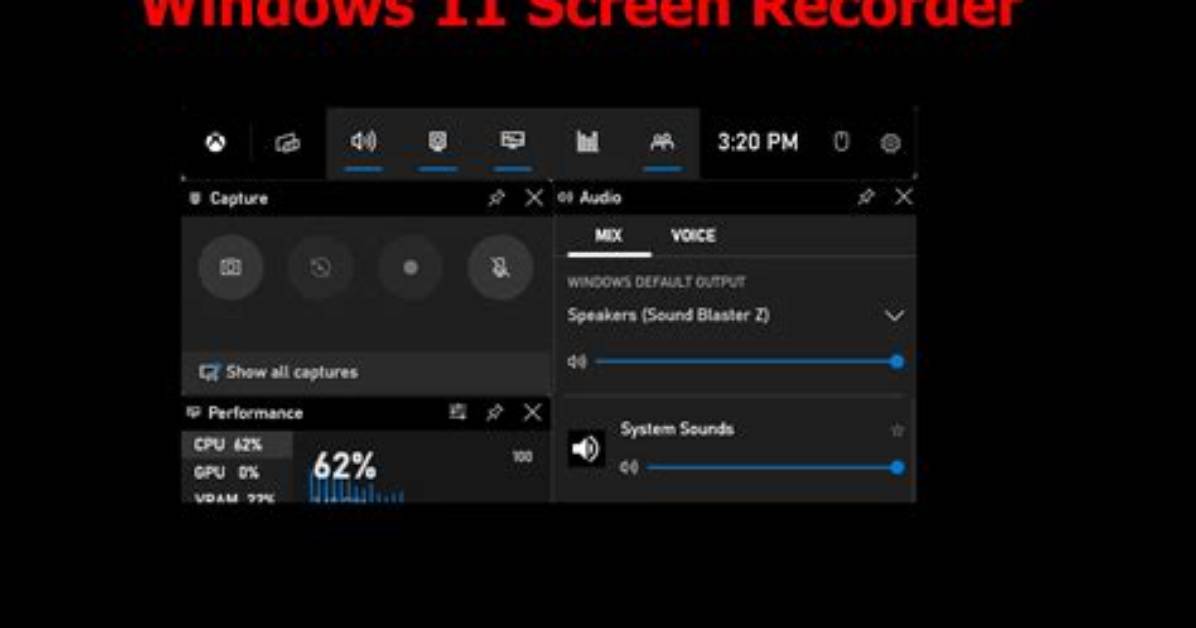
While native tools excel at quick demonstrations, they fall short for high-motion software, 60 FPS capture quality requirements, or commercial production. Snipping Tool recordings produce a combined audio track, making it impossible to adjust microphone volume against system audio during post-production. If an alert chimes over an important sentence, the entire recording is compromised.
This is where OBS Studio serves as the industry-standard free alternative. As an open-source, watermark-free screen recorder, OBS gives users total control over bitrates, color spaces, and audio tracks. Setting up a display capture profile using hardware-accelerated NVENC or AV1 encoders ensures smooth 60 FPS output with virtually zero impact on the active application.
OBS eliminates the file corruption risks inherent to native tools. Built-in Windows tools write directly to an MP4 container; if your PC suffers a power cut or crashes during a recording, the entire file header breaks, rendering the footage unreadable. Configuring OBS to output to fragmented MOV or MKV formats preserves every frame up to the exact millisecond of a failure, providing production security that native operating system tools cannot match.
Maya is a hardware enthusiast who tests and reviews smart home devices, smartphones, wearables, and audio gear. She focuses on practical consumer value and build quality.
