How to Turn Your Name into Aesthetic Symbols: the Complete User Guide
 By Sophia Al-Mansoor
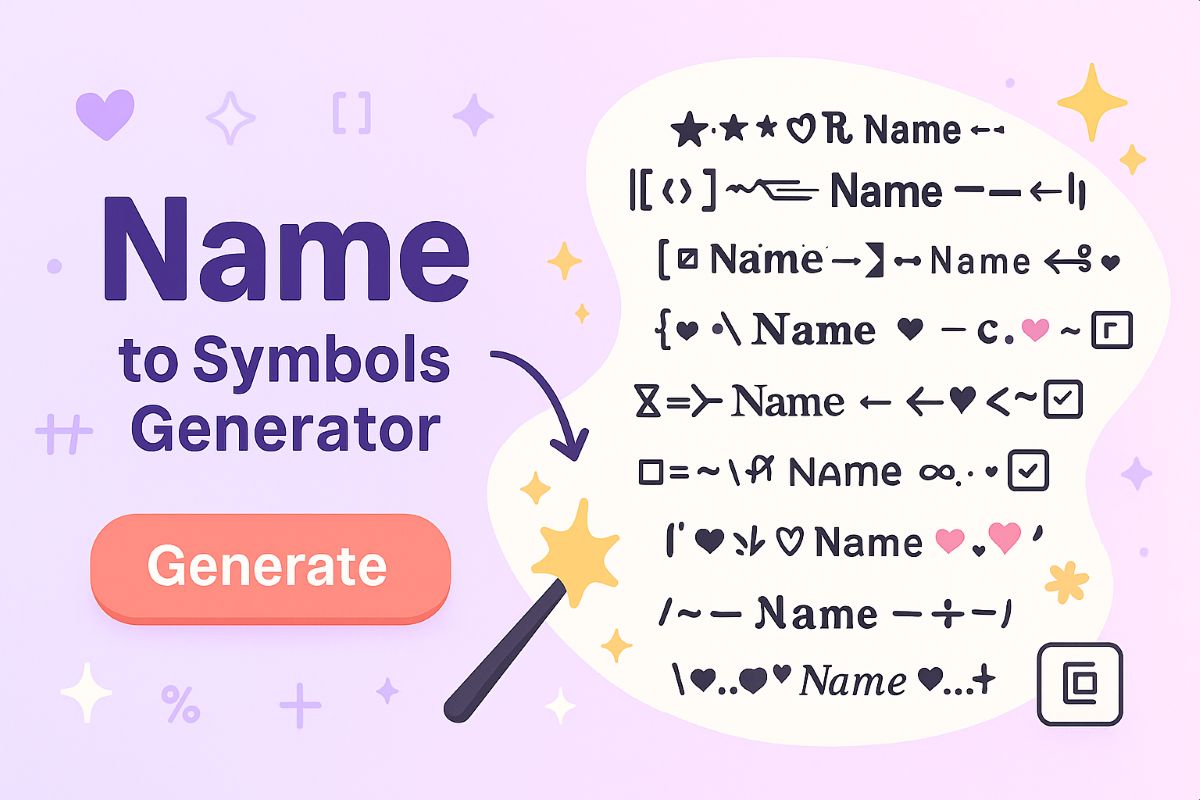
While countless ad-supported websites offer one-click font generation, users often end up with excessive combining diacritics, unstable zero-width characters, or broken strings. You can create cleaner, more stable custom names by working directly with operating system utilities designed specifically for character mapping.
Windows includes a native character map utility that provides precise control over character selection. Pressing Windows Key + R, typing charmap, and selecting standard system fonts like "Segoe UI Symbol" or "Arial Unicode MS" opens direct access to thousands of stable glyphs, arrows, and geometric shapes. Even faster is the integrated emoji and symbol panel: tapping Windows Key + . (Period) launches an interface categorized into geometric symbols, math operators, and Latin variations, letting you insert clean characters directly into any text input without browser tracking or invasive web scripts.
macOS offers an equivalent native solution through its Character Viewer. Pressing Command + Control + Space opens the system glyph board. Expanding the panel via the top-right icon unlocks advanced categories, including Enclosed Characters, Unicode Script variants, and Phonetic Alphabet collections. Selecting glyphs natively through system utilities guarantees that the characters exist within your OS base font libraries, drastically reducing the likelihood of pasting unstable code points that collapse into tofu boxes on other consumer hardware.
Sophia analyzes international trade, startup ecosystems, retail transformation, and supply chain logistics for modern digital publications.
